Computers That Work at the Speed You Need
Hardware Upgrades & Installation in La Grande for systems running slow or struggling with demanding applications
Outstanding Computer Repair handles hardware upgrades and installation for desktop and laptop systems throughout La Grande when existing components no longer keep pace with software requirements or work demands. If your computer takes minutes to boot, freezes during multitasking, or can't run newer programs, the problem typically stems from outdated RAM, aging mechanical hard drives, or insufficient graphics processing. Upgrading these components brings immediate, measurable speed improvements without replacing the entire system.
This service addresses performance bottlenecks by identifying which hardware limitations affect your specific workflow. Memory upgrades allow your system to handle more programs simultaneously without slowdowns, while SSD installations reduce boot times from minutes to seconds and eliminate the lag that comes from accessing files stored on spinning hard drives. Graphics card upgrades matter most when you work with video editing, design software, or run multiple high-resolution displays.
Request a system evaluation to determine which hardware changes will address your current performance issues.
What Happens During Hardware Installation
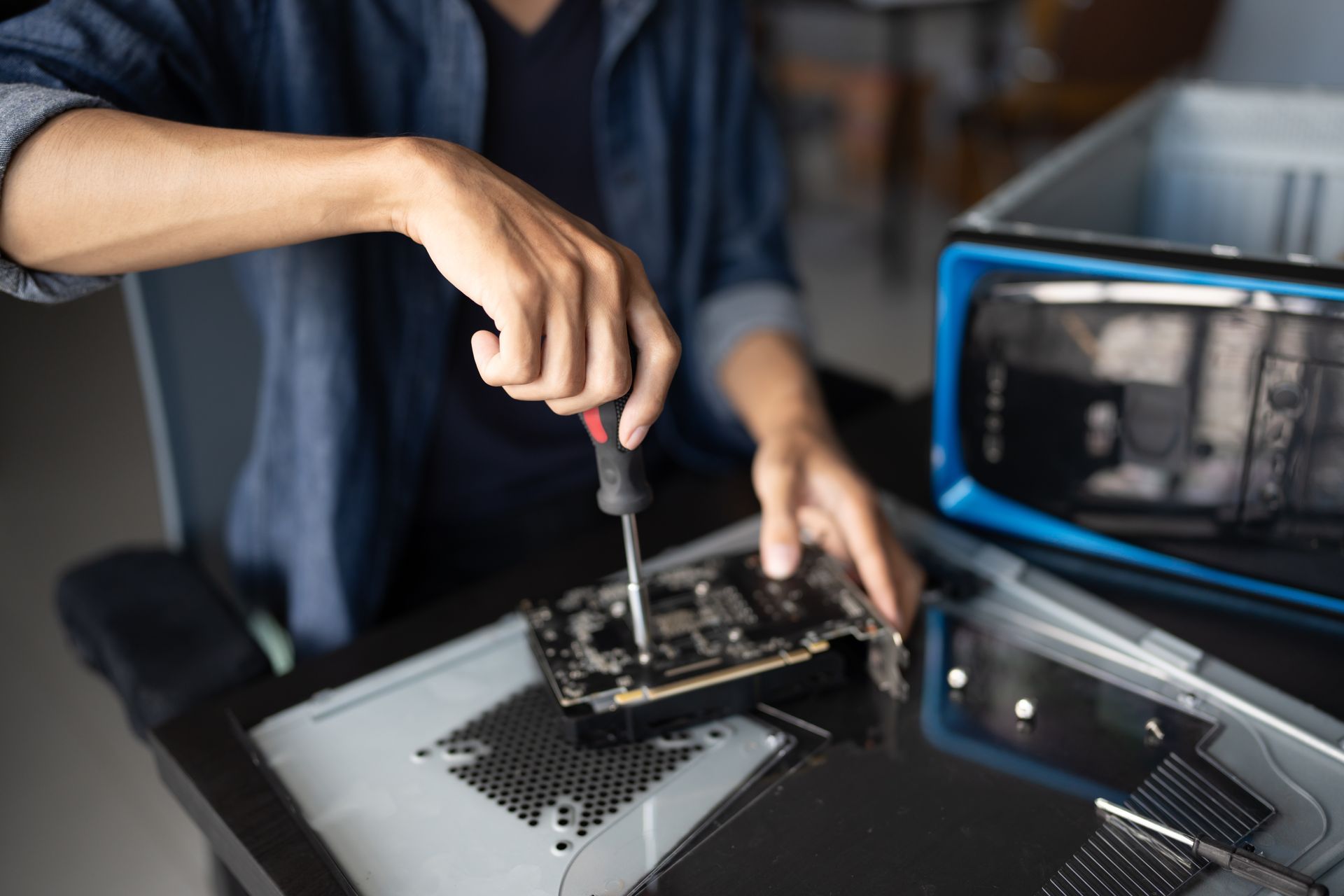
Hardware installation begins with compatibility verification to confirm that new components will function with your existing motherboard, power supply, and operating system. RAM upgrades require matching the correct memory type, speed, and configuration for your specific system architecture, while graphics card installations depend on available expansion slots and sufficient power delivery. Each component gets tested individually before final assembly to catch any defects before installation.
After installation completes, you'll notice applications launch faster, file transfers finish in a fraction of the time, and programs that previously caused freezing or crashes now run without interruption. Systems upgraded with SSDs boot in fifteen to twenty seconds instead of two to three minutes, and graphics card upgrades eliminate screen tearing and lag during video playback or design work. Performance tuning follows installation to verify drivers are current and system settings optimize the new hardware.
The process includes peripheral setup when you're adding new monitors, printers, or external devices that need configuration alongside the internal hardware changes. Each component gets documented with model numbers and installation dates, and all original parts are returned to you unless disposal is requested.
Questions About Hardware Upgrades
Hardware upgrade projects in La Grande often raise questions about compatibility, performance gains, and what components address specific problems.
What hardware upgrade provides the most noticeable performance improvement?
Installing an SSD to replace a mechanical hard drive produces the most immediate change in everyday use, reducing boot times and program launch speeds dramatically, followed by RAM upgrades which prevent slowdowns when running multiple applications simultaneously.
How do you determine if my power supply can handle a new graphics card?
The power supply's wattage rating and available PCIe power connectors get checked against the graphics card's requirements listed in manufacturer specifications, and if your current power supply falls short, replacement happens before graphics card installation to prevent system instability.
When should I consider upgrading RAM instead of replacing the computer?
RAM upgrades make sense when your processor is less than five years old and you primarily experience slowdowns during multitasking rather than when running single applications, since older processors often bottleneck performance regardless of available memory.emon vinaigrette.
What types of SSDs work for different systems?
Older systems typically use 2.5-inch SATA SSDs that connect like traditional hard drives, while newer motherboards support NVMe drives that plug directly into M.2 slots and offer significantly faster transfer speeds, though both provide substantial improvements over mechanical drives.
How long does a typical hardware upgrade appointment take?
Most single-component upgrades including RAM or SSD installation complete within one to two hours including testing and configuration, while multiple upgrades or graphics card installations that require driver updates and performance tuning may extend to three hours depending on system complexity.
Outstanding Computer Repair completes hardware upgrades with components matched to your system's capabilities and your performance requirements. Schedule an upgrade consultation to review which components will address the specific slowdowns or limitations you're experiencing.