
Wireless Connections That Cover Every Room
Network & Wi-Fi Setup in La Grande for homes and offices with dead zones, slow speeds, or devices that won't connect reliably
La Grande properties with older construction, metal siding, or layouts that place the router in a corner or basement frequently experience Wi-Fi coverage gaps where certain rooms get no signal or speeds drop to unusable levels. Outstanding Computer Repair configures home and office wireless networks to eliminate dead zones, secure connections against unauthorized access, and connect printers, smart devices, and computers across your entire property. The difference between a network that works intermittently and one that delivers consistent coverage comes down to router placement, channel selection to avoid interference from neighboring networks, and properly configuring security protocols that balance protection with device compatibility.
Network setup addresses the technical configuration that internet service providers typically skip. Router and modem configuration involves accessing admin interfaces to set custom DNS servers for faster name resolution, enabling quality of service features that prioritize video calls over background downloads, and selecting Wi-Fi channels that aren't congested by nearby networks. Security optimization includes changing default passwords that leave networks vulnerable, enabling WPA3 encryption where supported, and creating separate guest networks that isolate visitor devices from your primary network and shared files.
Schedule a network assessment to identify coverage gaps and connection problems affecting your specific property layout.
What Proper Network Setup Accomplishes
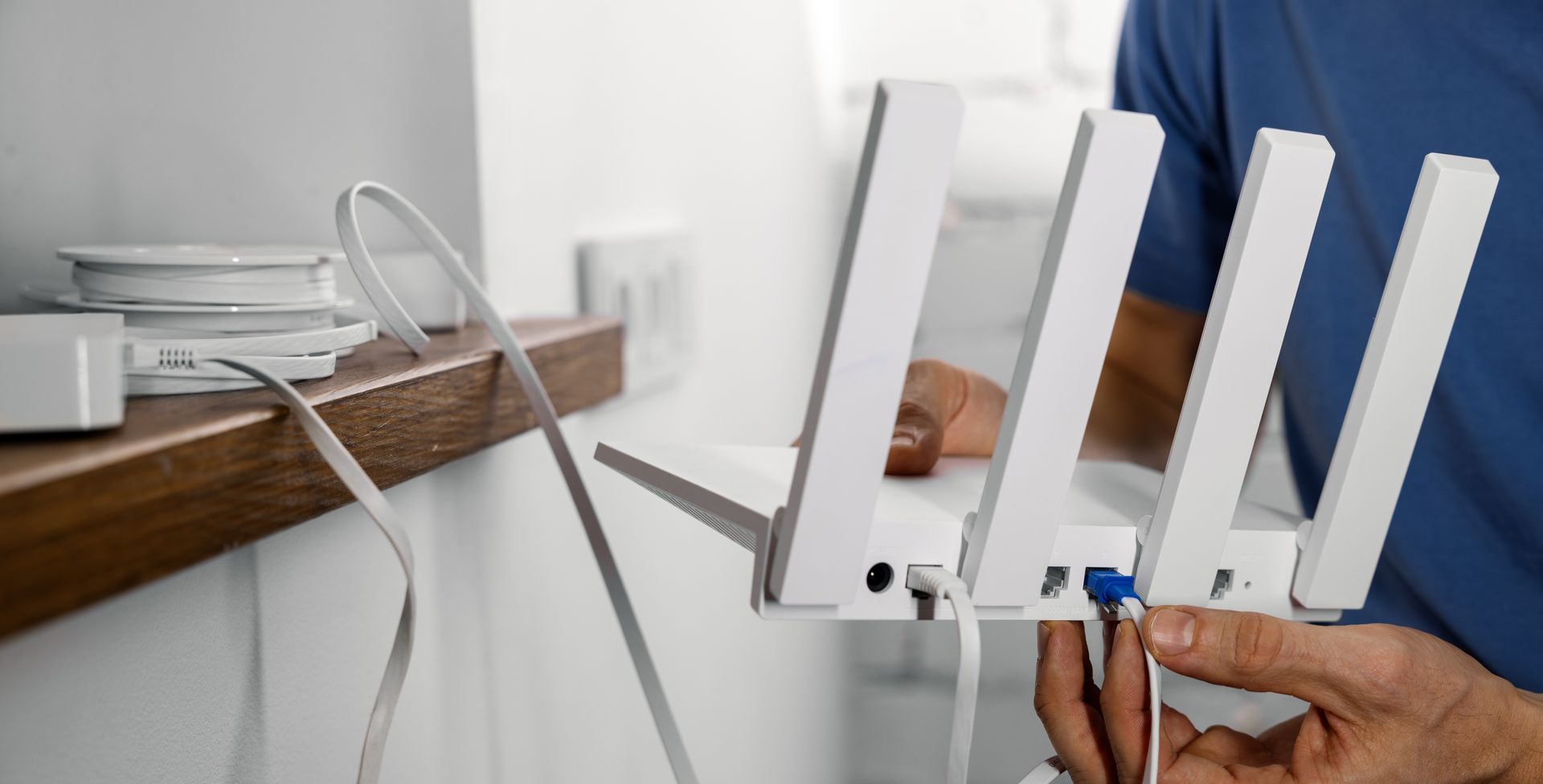
Installation begins with testing signal strength throughout your property to identify weak areas and sources of interference, which in La Grande often includes metal roofing, thick exterior walls, and appliances operating on the same 2.4 GHz frequency as older Wi-Fi standards. Router placement makes a substantial difference, with central, elevated locations providing better coverage than corner placements or floor-level installations, and configuration includes setting separate network names for 2.4 GHz and 5 GHz bands to control which devices use which frequency. Printer and device network connections involve assigning static IP addresses to prevent address conflicts and configuring discovery protocols that allow computers to find shared printers without manual IP entry.
After setup completes, devices connect reliably in rooms that previously had no coverage, video streaming plays without buffering pauses, and file transfers between computers on your network complete in seconds rather than minutes. Smart devices including thermostats, security cameras, and voice assistants maintain stable connections instead of appearing offline intermittently, and printer sharing works consistently without mysterious disappearances from device lists.
Troubleshooting weak or unstable connections reveals whether the issue stems from router limitations, physical obstructions, or interference from cordless phones and microwave ovens that disrupt 2.4 GHz signals. Some coverage problems require mesh networking systems or wireless access points rather than single router solutions, particularly in properties exceeding two thousand square feet or those with multiple floors and concrete or metal construction.
Network Setup Questions Property Owners Ask
Questions about wireless networks typically concern coverage range, security settings, and compatibility with various devices.
What causes Wi-Fi dead zones in certain rooms?
Physical obstructions including metal ductwork, concrete walls, and large appliances block wireless signals, and distance from the router combined with interference from neighboring networks on the same channel degrade signal strength until devices can no longer maintain stable connections.
How does network security setup prevent unauthorized access?
WPA3 encryption scrambles all data transmitted over the wireless network using passwords that resist brute-force attacks, while disabling WPS and changing default router admin credentials prevents common entry points that attackers exploit to gain network access.
When should I use 2.4 GHz versus 5 GHz Wi-Fi bands?
The 2.4 GHz band penetrates walls better and reaches longer distances but offers slower maximum speeds and suffers more interference from neighboring networks, while 5 GHz provides faster speeds over shorter ranges, making it ideal for devices in the same room as the router.
What makes printers disappear from device lists intermittently?
Network printers using DHCP assigned addresses sometimes receive different IP addresses when they restart, breaking saved connections on computers that expect the printer at a specific address, which static IP assignment prevents by ensuring the printer always uses the same network location.
How many devices can connect to a home Wi-Fi network before performance degrades?
Most consumer routers handle fifteen to twenty-five simultaneous connections before bandwidth sharing and processing limitations cause noticeable slowdowns, though actual capacity depends on router quality and what activities those devices are performing.
Outstanding Computer Repair configures wireless networks to provide complete property coverage with security settings that protect against unauthorized access. Contact the business to arrange a network evaluation and discuss setup options for your home or office.