

Systems Cleaned Without Recurring Infections
Virus & Malware Removal in La Grande for computers displaying pop-ups, browser hijackers, or ransomware warnings
Browser windows that open automatically to unfamiliar websites, antivirus alerts appearing despite having no security software installed, and files suddenly encrypted with ransom demands indicate active malware infections that standard consumer security programs often fail to detect or remove completely. Outstanding Computer Repair removes viruses, spyware, ransomware, and malware from La Grande computers using specialized detection tools that identify hidden processes, registry modifications, and startup entries that consumer antivirus scans frequently miss. The removal process goes beyond deleting obvious infection files—it involves tracing how malware entered your system, eliminating every component the infection installed, and closing the security gaps that allowed initial infiltration.
Effective malware removal requires scanning in safe mode environments where infections cannot actively defend themselves, examining browser extensions and toolbars that redirect search results or inject advertisements, and checking scheduled tasks that redownload malware after superficial cleaning attempts. Some infections modify system files to launch automatically during startup, install fake security programs that disable legitimate antivirus software, or create hidden administrator accounts for remote access—each requiring different removal techniques beyond simple file deletion.
Arrange a security scan to identify active infections and restore system integrity.
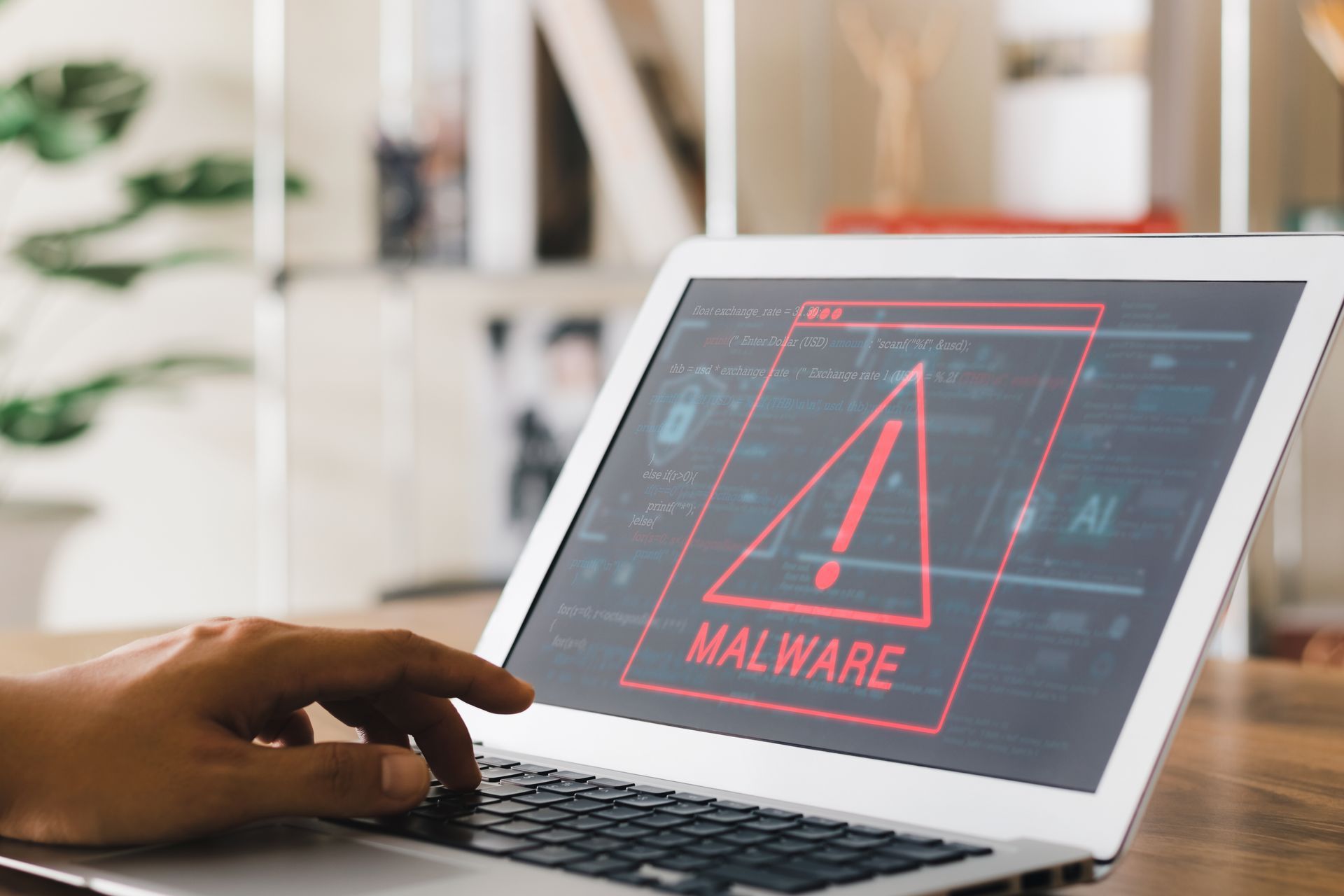
How Thorough Malware Removal Works
The cleaning process starts with offline scans that prevent active malware from interfering with detection—booting from external media to scan your hard drive while infections remain dormant and cannot hide processes or block removal tools. Security software checks every running program against databases of known malware signatures, analyzes suspicious files that exhibit infection behaviors even without exact matches, and examines network connections to identify programs sending data to external servers without your knowledge.
After removal completes, your browser stops opening unwanted tabs automatically, fake security warnings no longer appear claiming your system is infected, and your computer stops running background processes that consume resources for cryptocurrency mining or spam distribution. The system returns to normal startup speeds without delayed loading caused by malware launching dozens of hidden processes, and your homepage and search engine settings remain at your chosen configurations rather than reverting to unfamiliar sites after each restart.
The service includes antivirus software installation configured for automatic updates and real-time protection, along with specific recommendations about email attachments, download sources, and browser habits that led to the initial infection. Some malware arrives through fake software update notifications, while other infections exploit unpatched security vulnerabilities in outdated operating systems—understanding your specific infection vector prevents repeat incidents.
Common Questions About Malware Removal
Computer owners dealing with infections typically want to understand the removal process and how to prevent future security breaches.
What distinguishes professional malware removal from running consumer antivirus programs?
Professional removal uses multiple specialized scanning tools that detect rootkits hiding in system startup processes, checks registry entries where malware embeds automatic launch commands, and examines browser configurations where infections install persistent extensions—consumer programs typically scan only obvious file locations and miss these deeper infection points that cause reinfection immediately after removal attempts.
Can ransomware infections be removed without paying the ransom demand?
Ransomware removal eliminates the encryption program and prevents further file locking, but does not automatically decrypt files already encrypted—successful data recovery depends on whether backup copies exist, whether the specific ransomware variant has known decryption tools available, or whether shadow copy versions of files remain accessible on your hard drive.
How do browser hijackers keep returning after deletion?
These infections install components in multiple locations simultaneously—browser extensions that reset settings, scheduled tasks that reinstall removed programs, and registry entries that modify startup sequences—removing the visible browser toolbar without eliminating background installers causes the hijacker to reappear within hours.
Does malware removal in La Grande address infections that disable internet access?
Some aggressive infections modify network settings or corrupt TCP/IP configurations to prevent computers from downloading removal tools or security updates—the cleaning process includes restoring network functionality so your system can receive ongoing security patches after immediate threats are eliminated.
What signs indicate malware removal was incomplete?
Systems still generating unexpected pop-ups, programs that should not run appearing in Task Manager, homepage settings changing without your input, or antivirus software that cannot update or scan properly all indicate remaining infection components that require additional removal work.
Outstanding Computer Repair documents which infections were found on your system and provides detailed guidance about the security vulnerabilities that allowed initial access. Contact the shop to begin comprehensive malware scanning and system restoration for computers showing signs of active infection.